Went out for dinner! [12/365]


Went out for dinner! [12/365]
Forever on a train. [11/365]

It may seem like a boring score, but it’s better than what usually happens in this type of game. [10/365]

Pretty miserable day in London. [9/365]

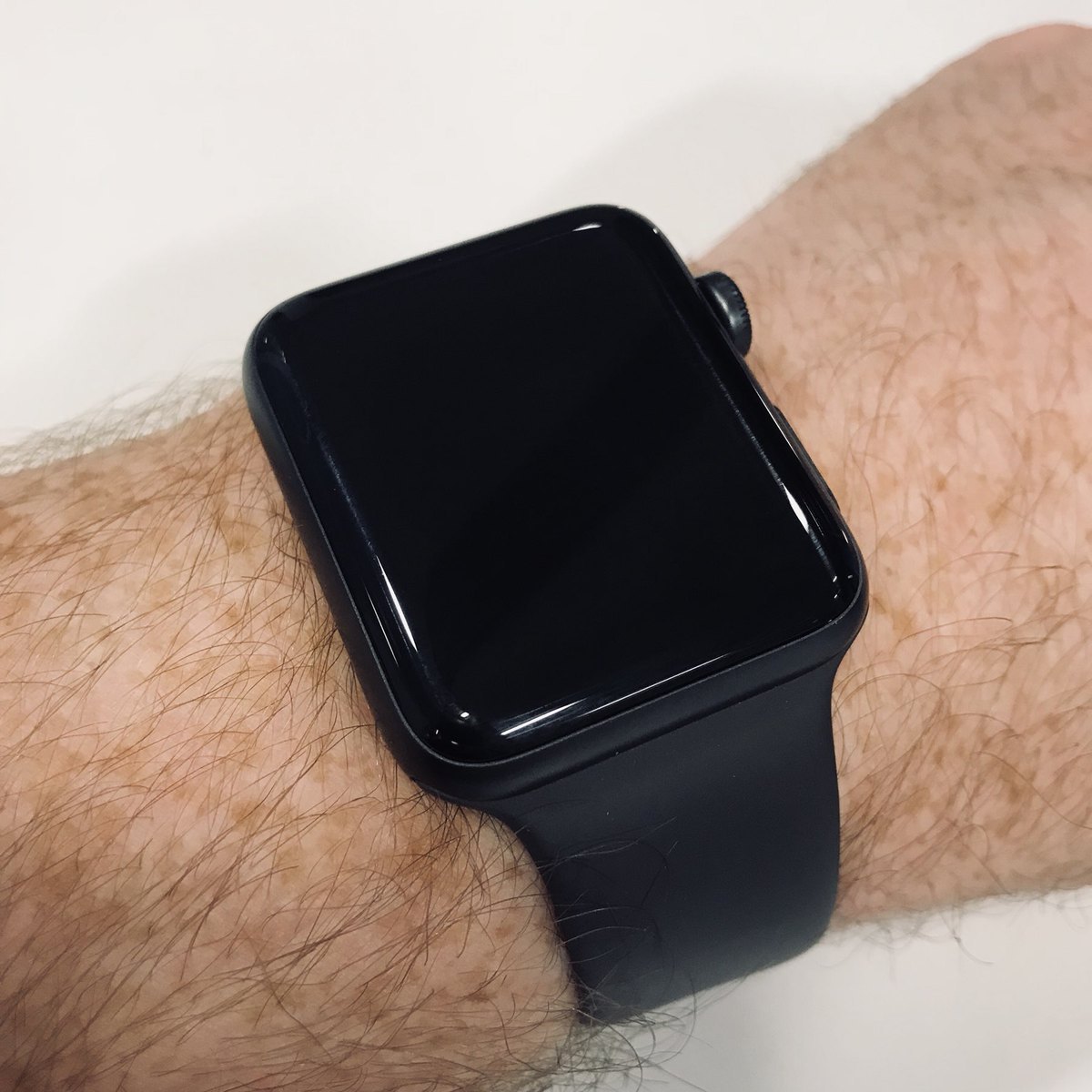
I didn’t do much yesterday, apart from working on some watch stuff for work! [8/365]
Just a quick photo of documents being burned at the House of Commons.

A nice twist on a good game! [7/365]

Chilling with this cat all day! [6/365]

The restaurant ran out of cheesecake, so I had another beer for dessert. [5/365]

Sitting at my desk all day today. Luckily I have a new BB8 light! 🤖 [4/365]

Played really well, but the referee changed the game. [3/365]

Back to work as usual. [2/365]

I’ve been getting annoyed recently with the amount of simulators I had installed in Xcode at work. But I’ve come across a really simple command that will fix this automatically.
I had 10.1, 10.2, 11.0. 11.1, and 11.2 installed, which I then reduced to just two of them. Then instead of painfully selecting and deleting each generated simulator, I just typed this:
fastlane snapshot reset_simulators
It uses Fastlane’s Snapshot tool, and what it does is delete all of your current simulators, and generate a set of new ones depening on the current SDKs you have installed.
Pretty much played World of Warcraft all day today. [1/365]

Welcome, 2018. 👋🏻
The avatar images “work”!
I have them displaying properly, downloading properly, and also using placeholders when it hasn’t been downloaded yet.
Images also cache up to a predefined limit, and are stored with the URL as a key.
The only thing left, is to then update whatever is presenting the placeholder image, when the real one has finished downloading.
I just moved one section of code in my Micro.blog app that dealt with parsing the content of a post, and sorting out the images.
Massive increase in speed.
Now the list of posts can’t scroll any faster!
A few months ago, I started working on my own analytics service for my blog. I did this for many reasons, but ultimately for control and user privacy.
I only actually ever store four pieces of data:
So while there’s not much data there, I can track everything I need, so like visits per day, per post, and I can get an idea of where traffic is coming from.
There have been occasions where the service, which I named “Minilytics”, has gone down though, so I can’t say I’ve tracked all the visits. But I’ve got a few things to share.
Performance
I made nice SQL query that shows me the performance of the site for each day. I use the view count for that day, and run it through a few conditions that will then output a string that I’ve manually set up. It’s not as exact as viewing the view count, but much easier to visualise.
Monthly View Count
Again, this isn’t totally accurate as these numbers may be higher and it hasn’t tracked them. But this simple count of views from each month, is a good way to check the general increase/decrease in visits over time.
I’m going to try writing some more queries soon, and see what other insights I can pull from the data. But overall I think the site has been getting a lot more traffic recently! Especially since I moved the blog over to WordPress a few days ago. My guess is that the WordPress installation has better meta tags, descriptions, and stuff that search engines like.
SpaceX Falcon 9 Rocket Launch Timelapse → blog.chrishannah.me/spacex-fa… 🚀🌌

☕️ ☕️ ☕️

As usual, it’s Christmas day and my body still forces me to wake up early.
I’m 25, but apparently 9am is the latest I’m allowed.
“But you’re English?” I don’t care! 🇩🇪

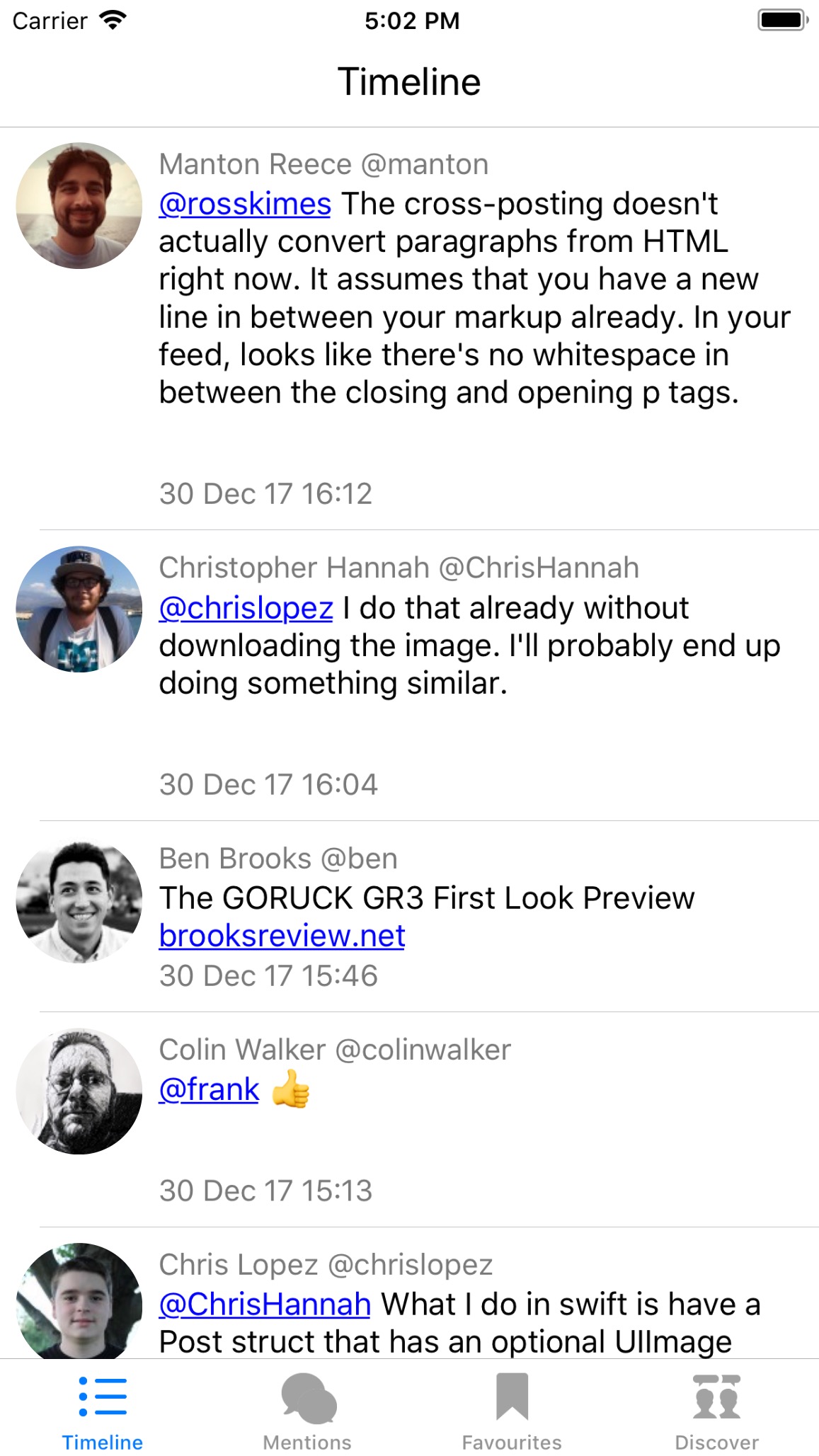
Some more progress on my Micro.blog iOS project today!
I have Timeline, Mentions, Favourites, and Discover page working. And I’ve only just finished the polling for new posts!

I’ll just leave this here…

Little book for a little club.